Skip to content

Eighteen styles. The same six subjects.

Every preset below is drawn on an identical set of subjects, so the only thing that can differ between two of them is the style. Each one is a contract: pick it and every piece in your pack follows the same palette, line, shading, and framing rules.

Build a packMake a single image

Locked, not suggested

A preset is prepended to every element prompt verbatim, so the model cannot reinterpret it halfway through a 40-piece set.

Five fixed axes

Palette, line, shading, background, and framing. The axes are what make two renders of the same style match.

Yours to reuse

The style your first pack settles on becomes a saved kit, so pack two can be locked to pack one's exact look.

Bold & simple

Shapes that survive being shrunk. Icon sets, worksheets, and anything printed small.

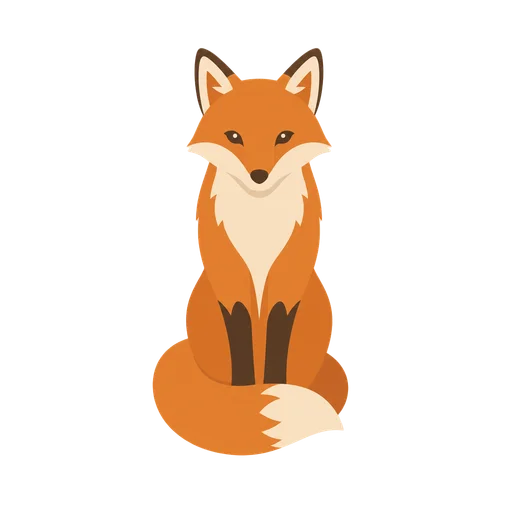
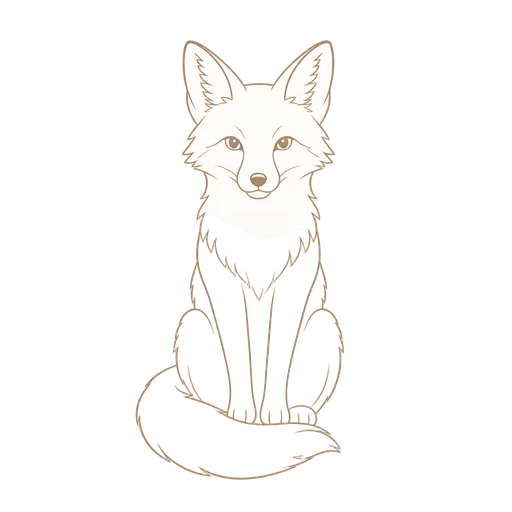
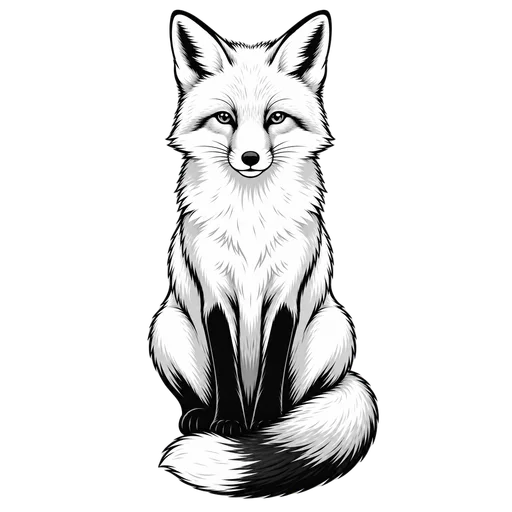
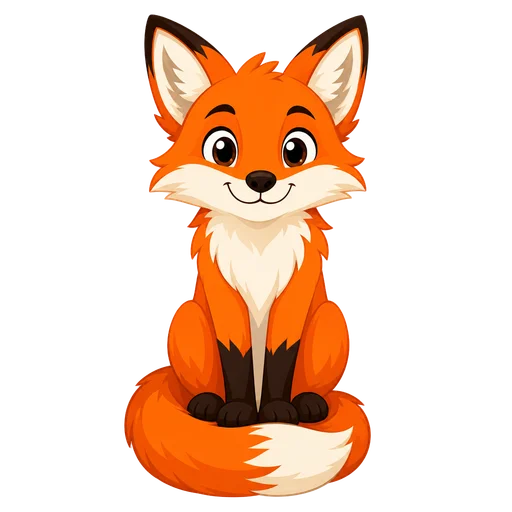
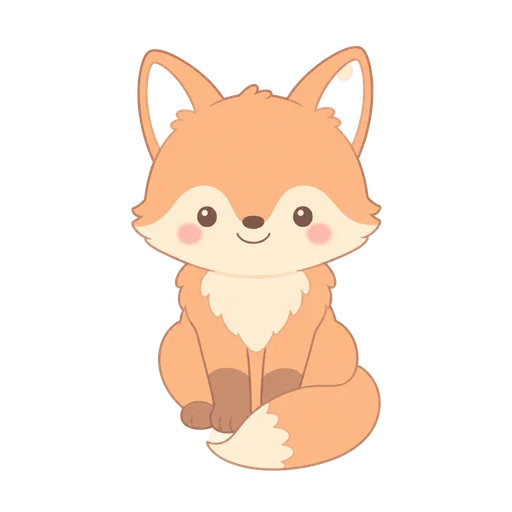
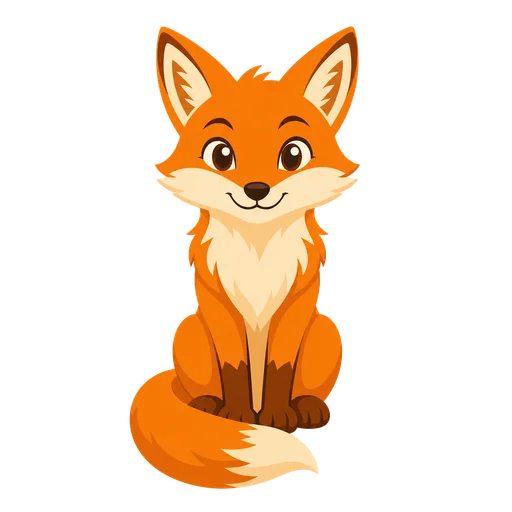
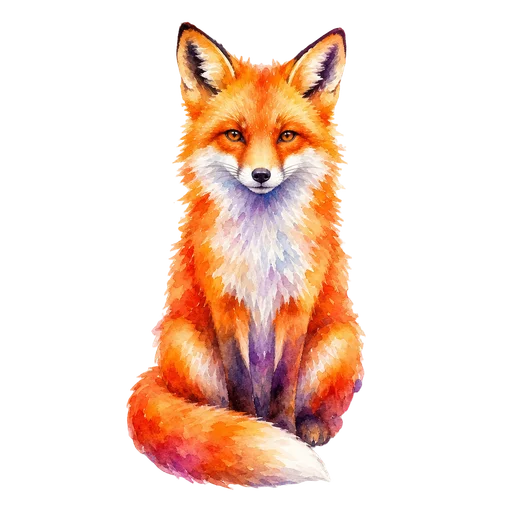
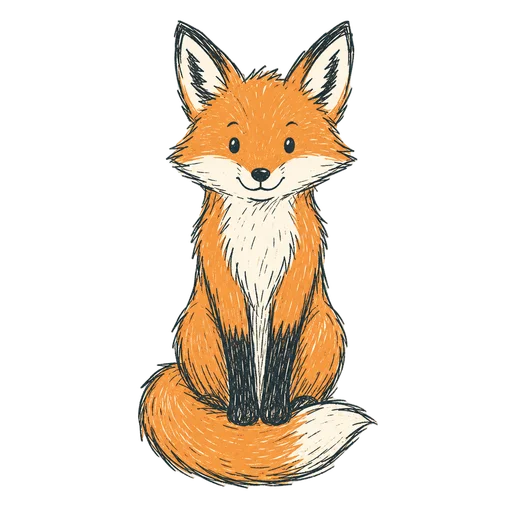
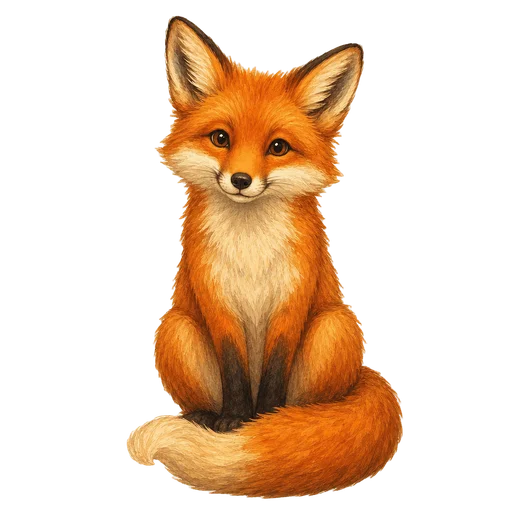
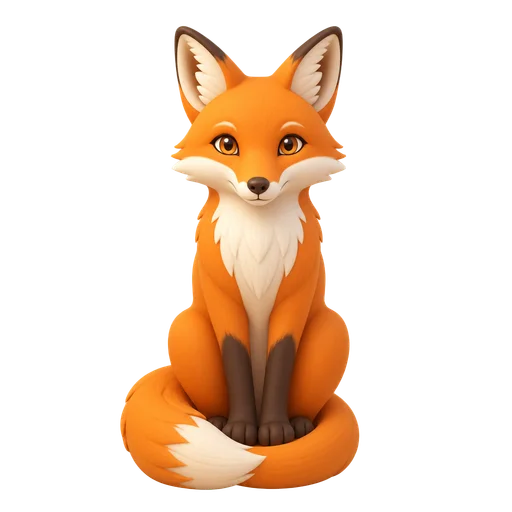
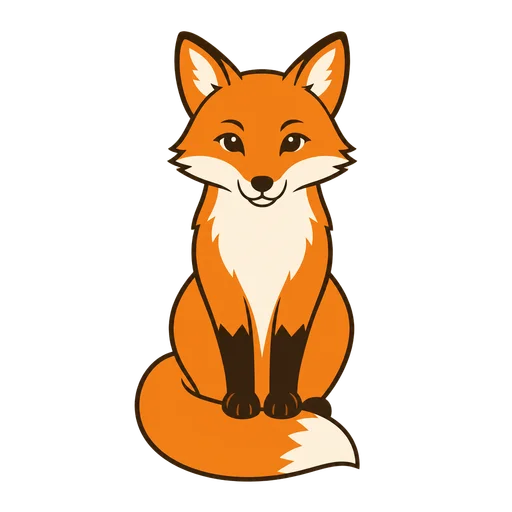
A fox drawn in the Flat clip art style
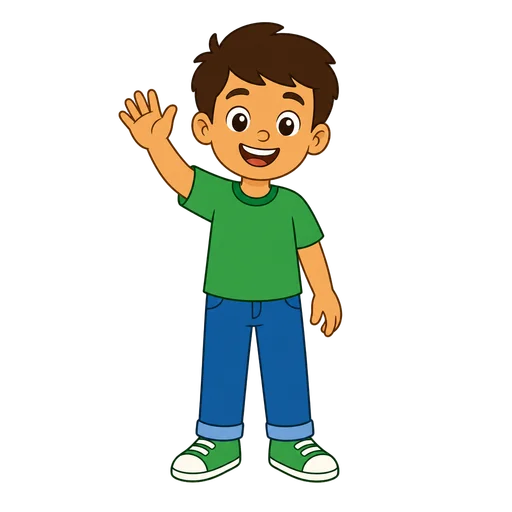
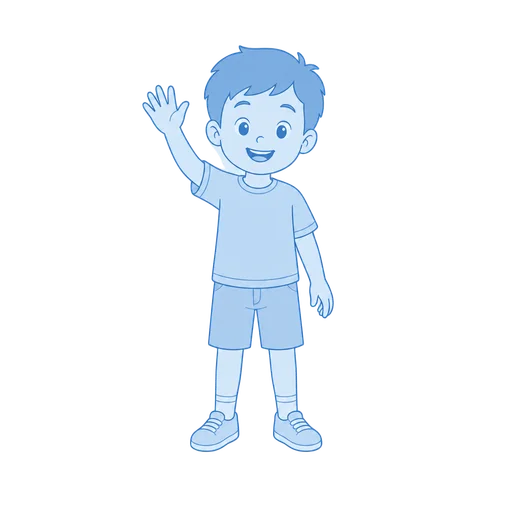
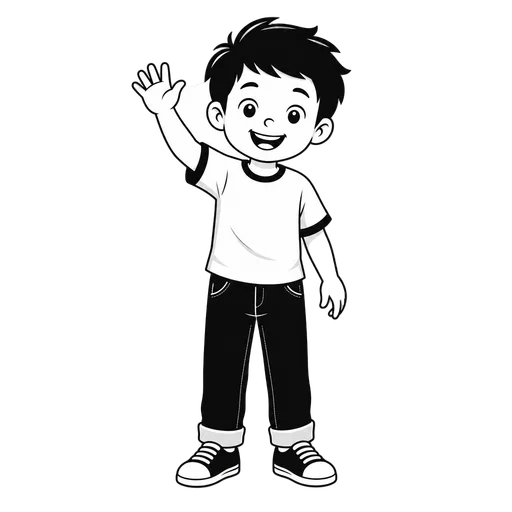
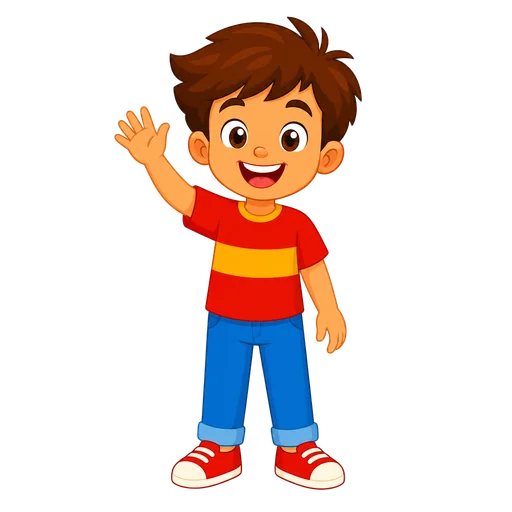
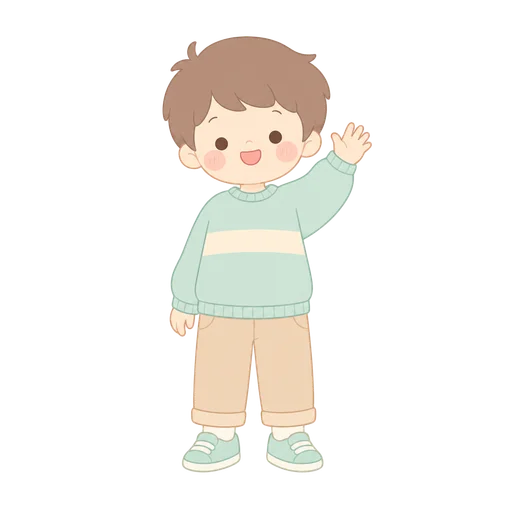
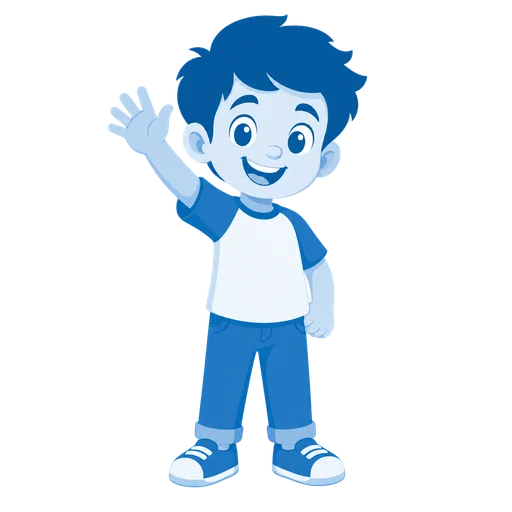
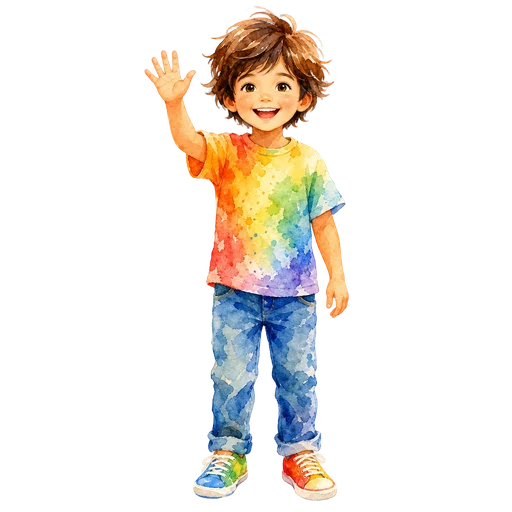
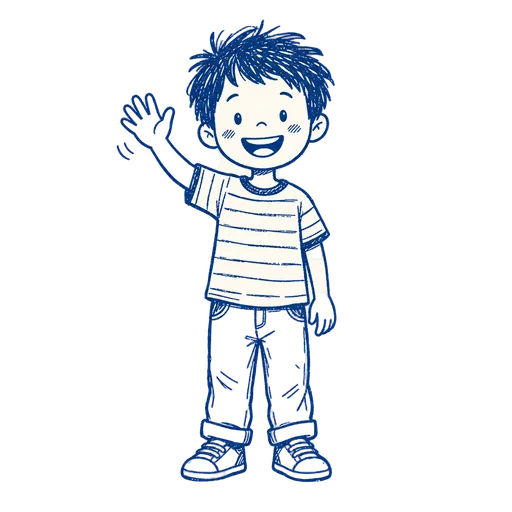
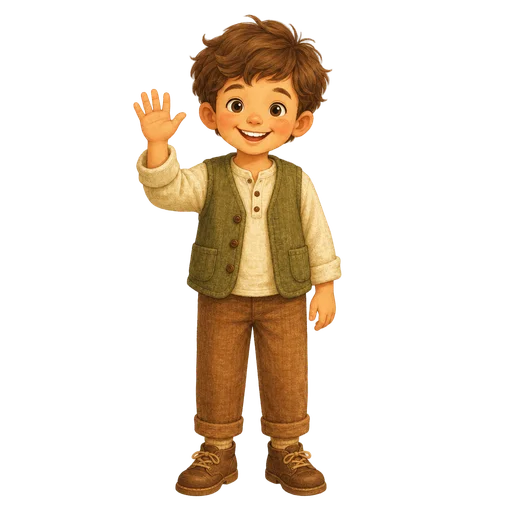
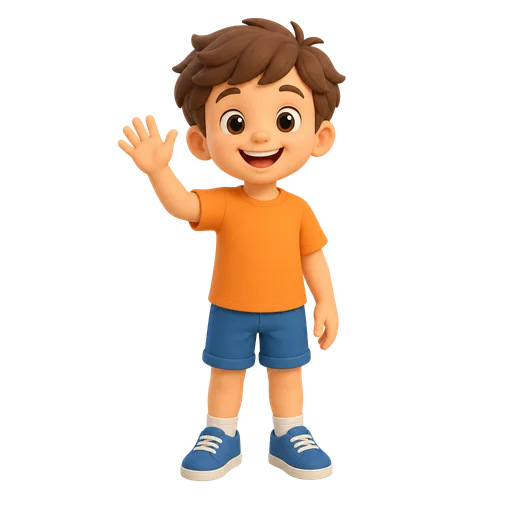
  • Child drawn in the Flat style
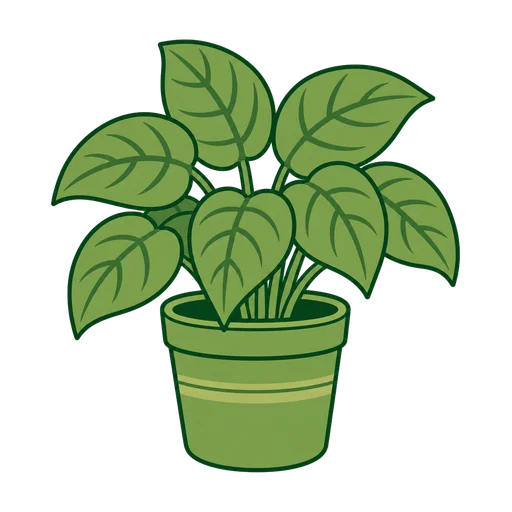
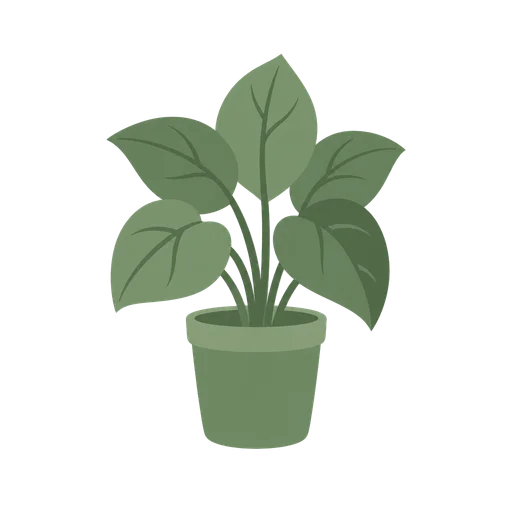
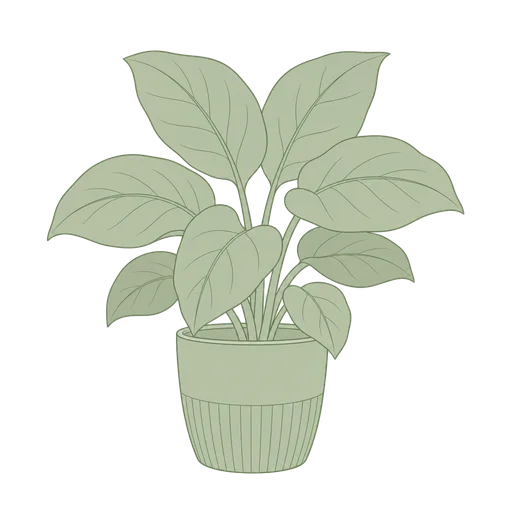
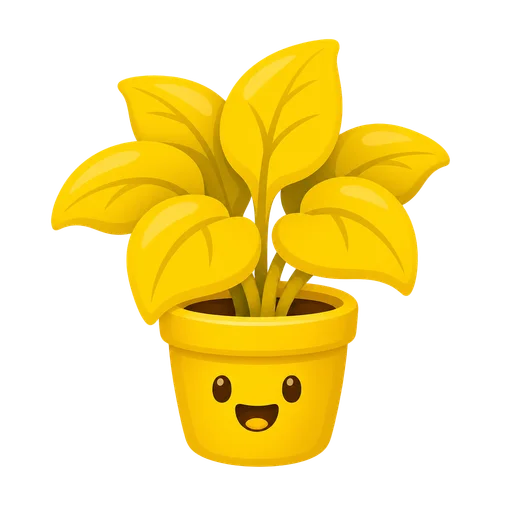
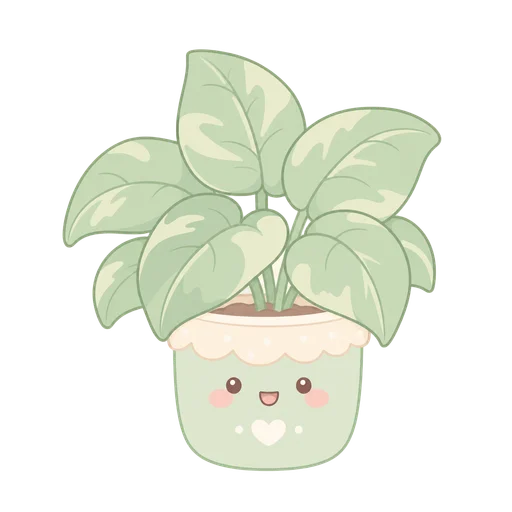
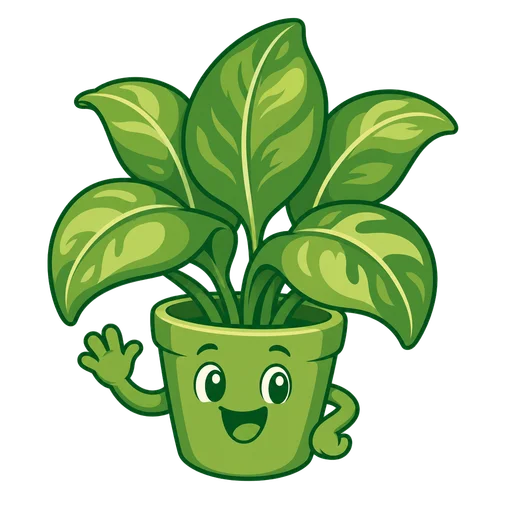
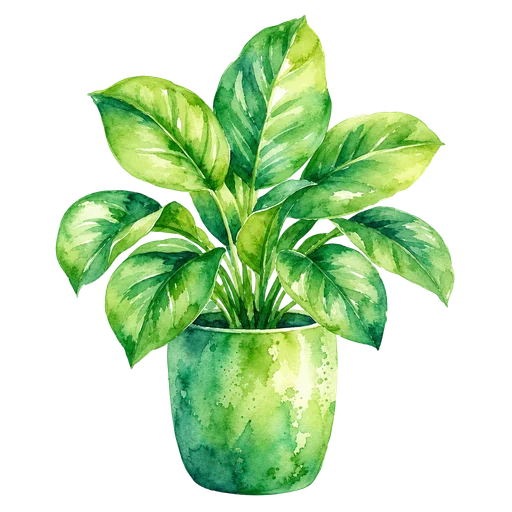
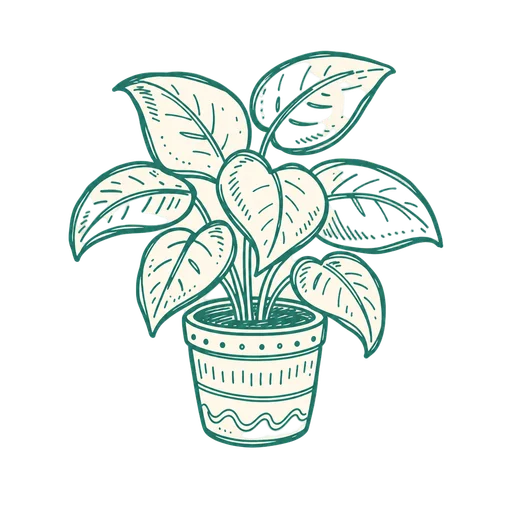
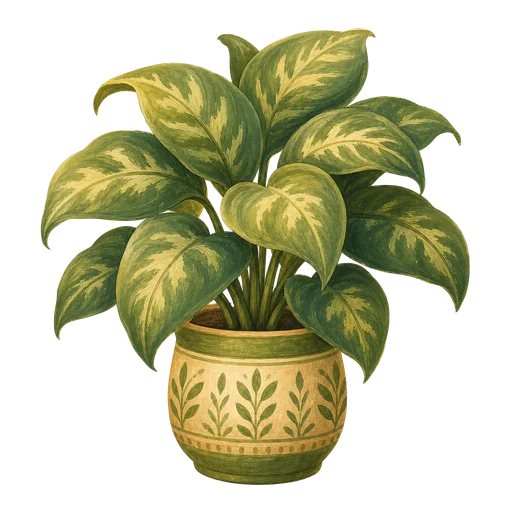
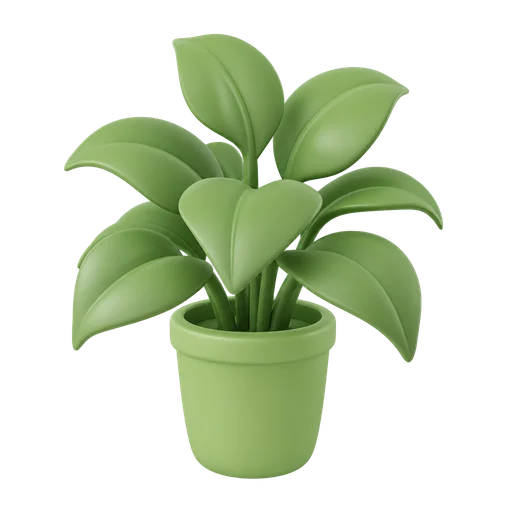
  • Plant drawn in the Flat style
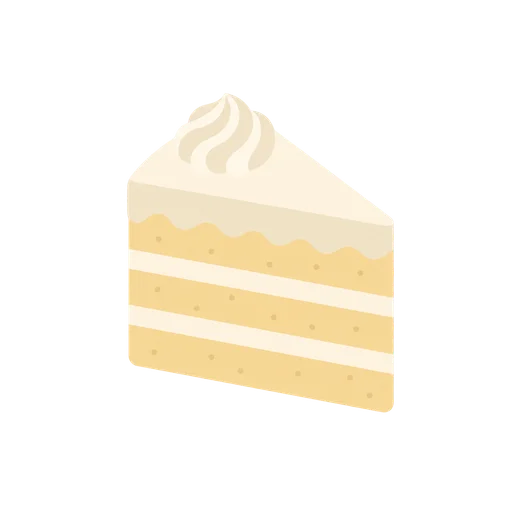
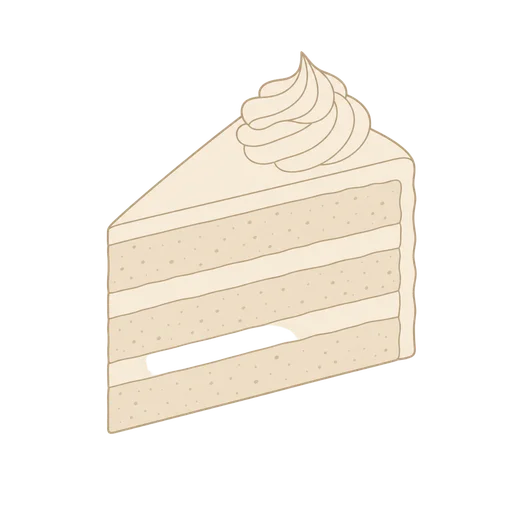
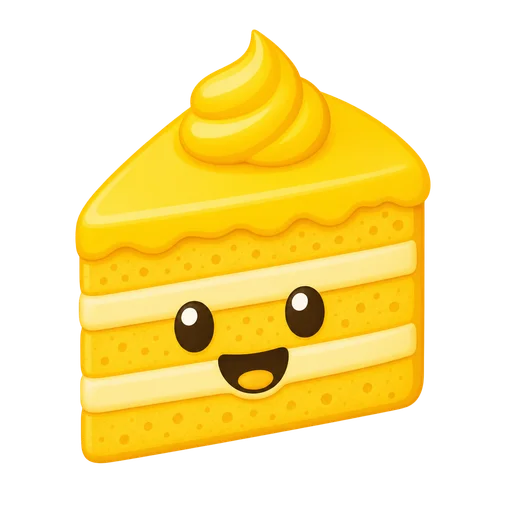
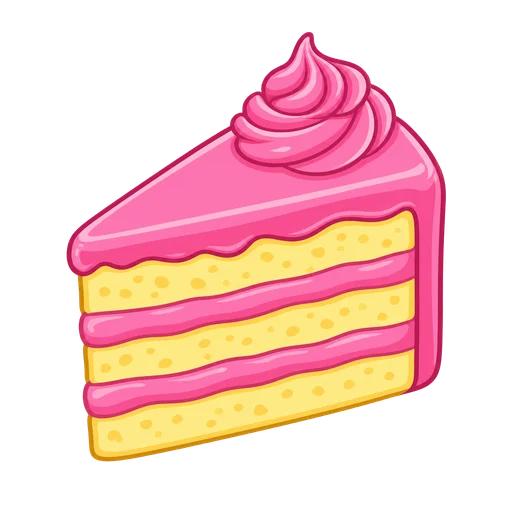
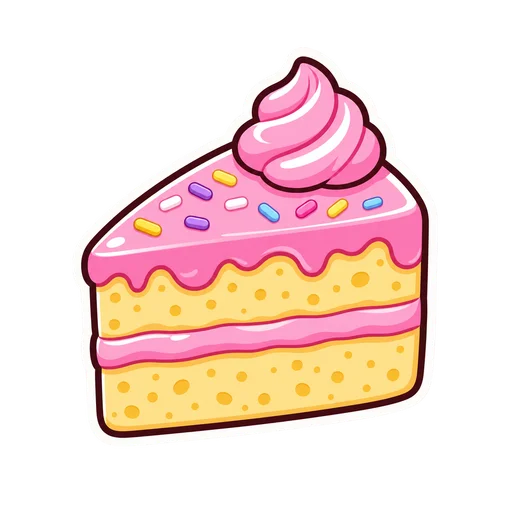
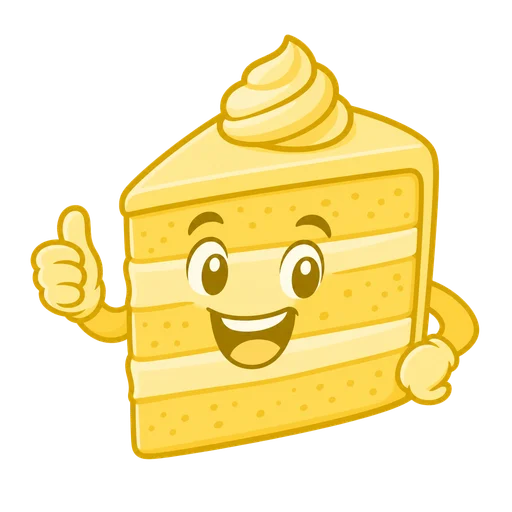
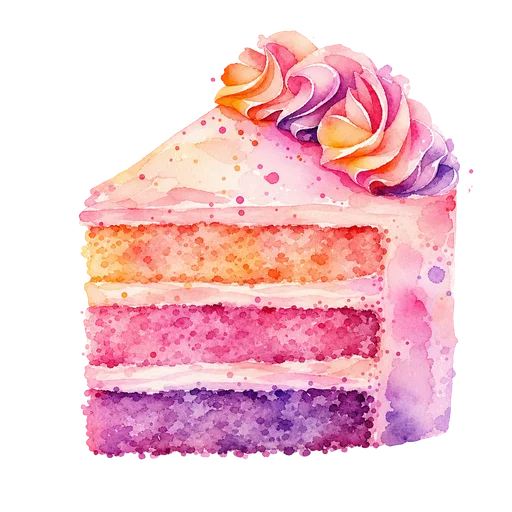
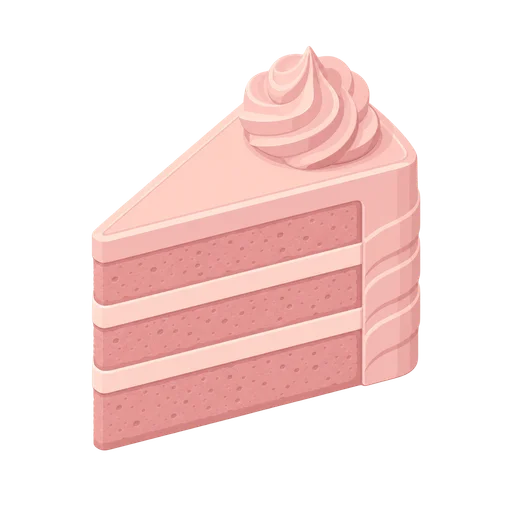
  • Cake drawn in the Flat style

Flat

The safe default. Reads cleanly at any size and prints without surprises.

Palette
solid fills only, no gradients anywhere
Line
uniform outline weight on every shape, fully closed paths, no tapering
Shading
one flat fill per shape, no gradients, no texture, no highlights
Start a pack in Flat
A fox drawn in the Minimal clip art style
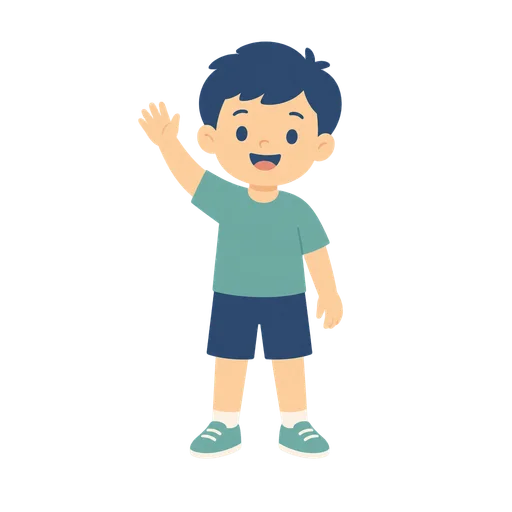
  • Child drawn in the Minimal style
  • Plant drawn in the Minimal style
  • Cake drawn in the Minimal style

Minimal

Interface icons and anything that has to work at 24 pixels.

Palette
at most three colors, large uninterrupted areas of a single fill
Line
either no outline or one hairline weight used consistently, never both in the same asset
Shading
no shading at all, pure flat fills
Start a pack in Minimal
A fox drawn in the Line Art clip art style
  • Child drawn in the Line Art style
  • Plant drawn in the Line Art style
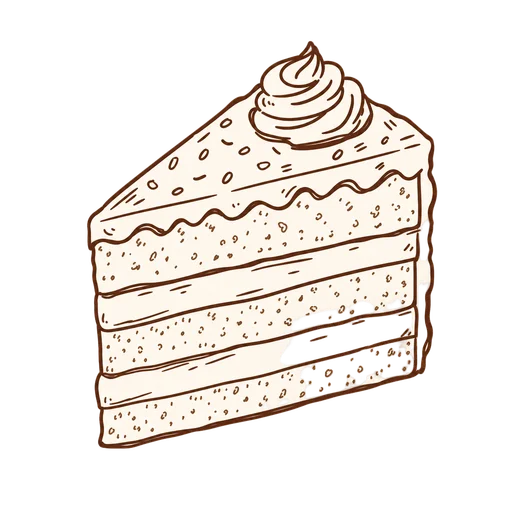
  • Cake drawn in the Line Art style

Line Art

Coloring activities, embroidery and cut files, and line-art overlays.

Palette
a single monochrome line color, no fills
Line
thin uniform stroke of identical weight throughout, closed contours
Shading
no shading, no hatching, no fills
Start a pack in Line Art
A fox drawn in the Black & White clip art style
  • Child drawn in the Black & White style
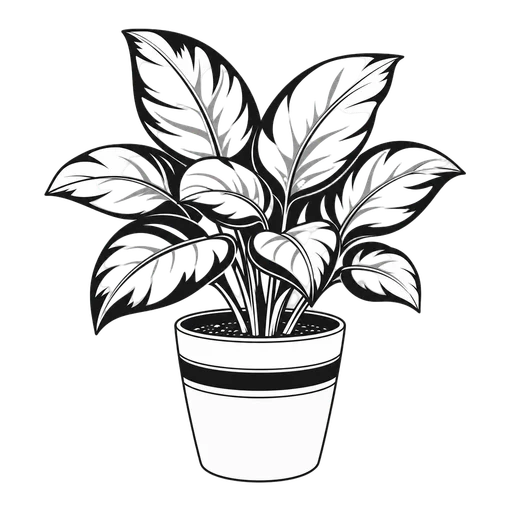
  • Plant drawn in the Black & White style
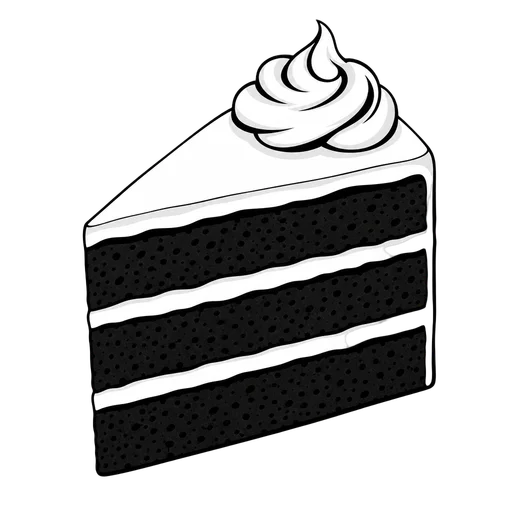
  • Cake drawn in the Black & White style

Black & White

Photocopy-safe classroom material and single-color printing.

Palette
pure black and pure white only, ignore any color palette
Line
bold black outline of even weight
Shading
flat black fills and simple stippling only, never grey gradients
Start a pack in Black & White
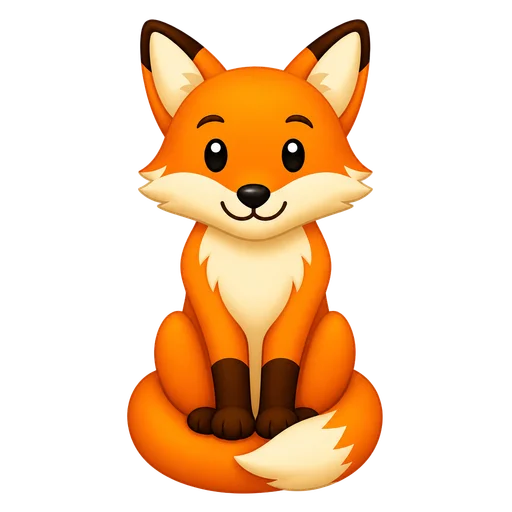
A fox drawn in the Emoji clip art style
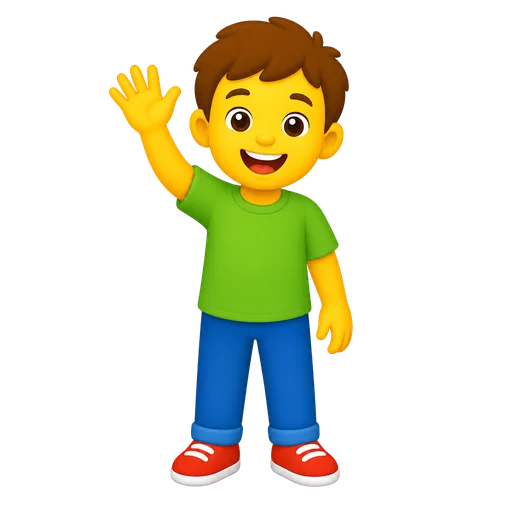
  • Child drawn in the Emoji style
  • Plant drawn in the Emoji style
  • Cake drawn in the Emoji style

Emoji

Reaction sets, chat packs, and pictograms that read at thumbnail size.

Palette
few high-contrast fills
Line
no outline, or one uniform thin outline applied consistently
Shading
simple smooth shading, no detail that dissolves at small size
Start a pack in Emoji

Cute & playful

Character-forward and expressive. Party goods, kids' products, and sticker sheets.

A fox drawn in the Cartoon clip art style
  • Child drawn in the Cartoon style
  • Plant drawn in the Cartoon style
  • Cake drawn in the Cartoon style

Cartoon

Kids' products and party goods where personality matters more than realism.

Palette
bright saturated fills
Line
bold outline of even weight around every form
Shading
two-tone cel shading at most — base fill plus one shadow step, no gradients
Start a pack in Cartoon
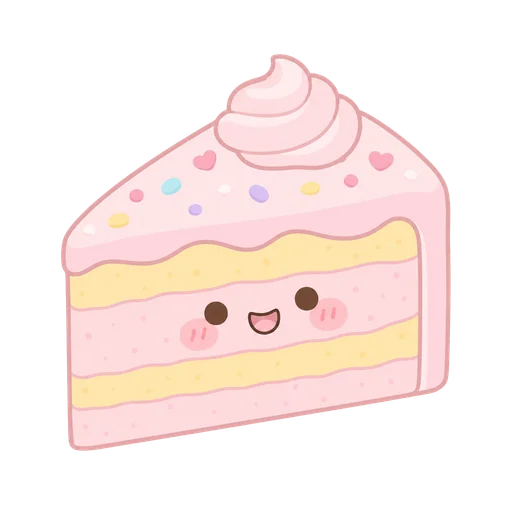
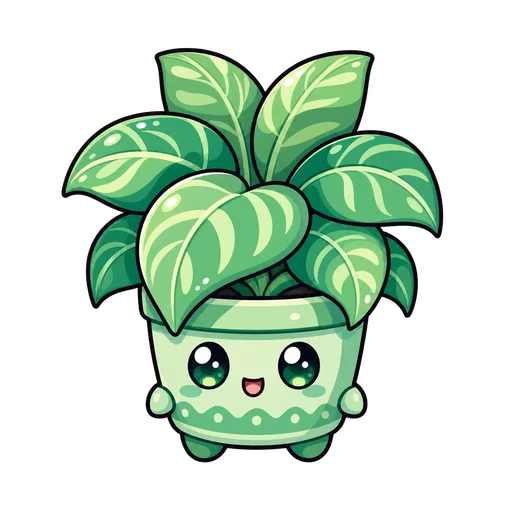
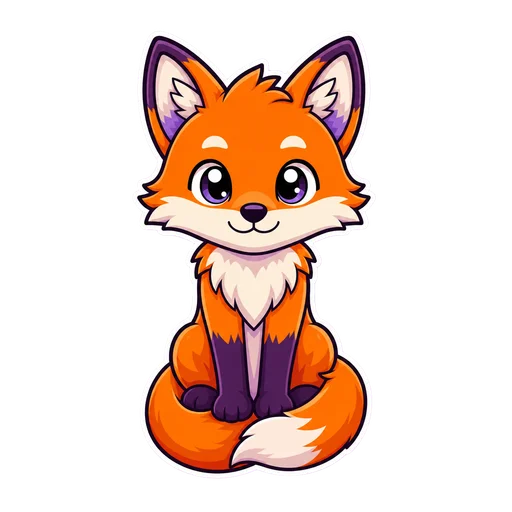
A fox drawn in the Kawaii clip art style
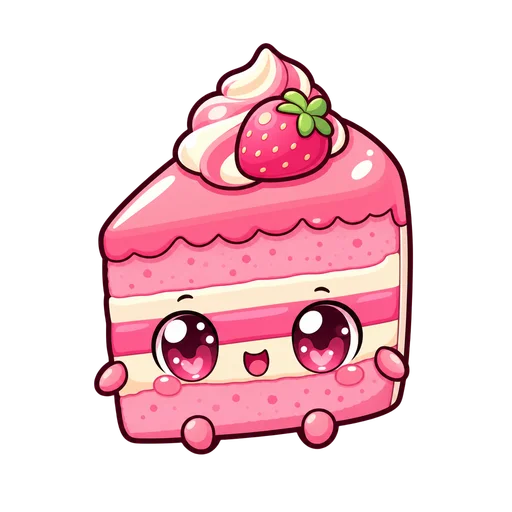
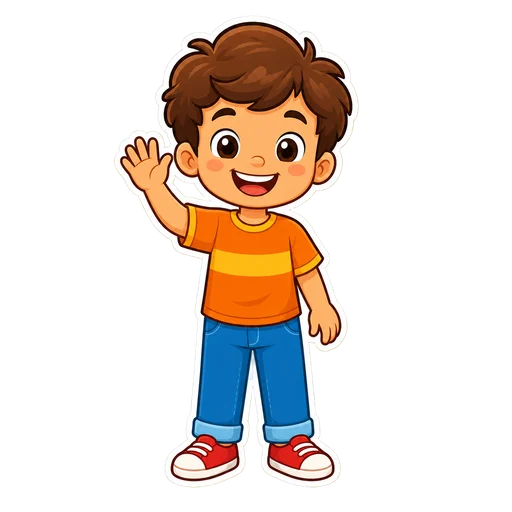
  • Child drawn in the Kawaii style
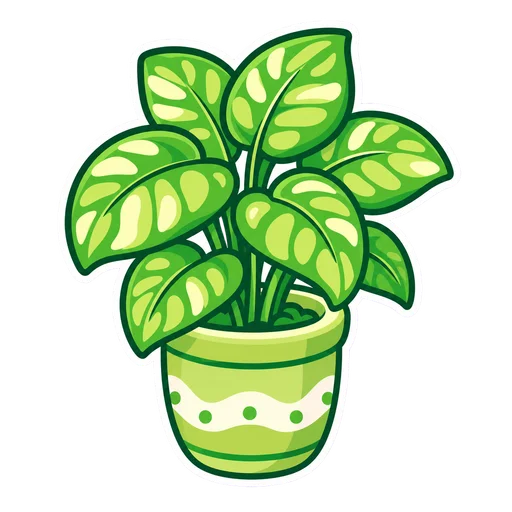
  • Plant drawn in the Kawaii style
  • Cake drawn in the Kawaii style

Kawaii

Pastel, softly-smiling sets for planners and Japanese-inspired products.

Palette
soft pastel colors
Line
even rounded outline, no sharp corners
Shading
flat fills plus a single soft blush, nothing more complex
Start a pack in Kawaii
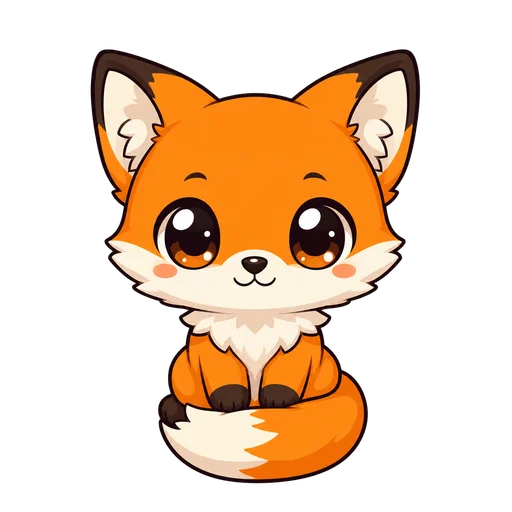
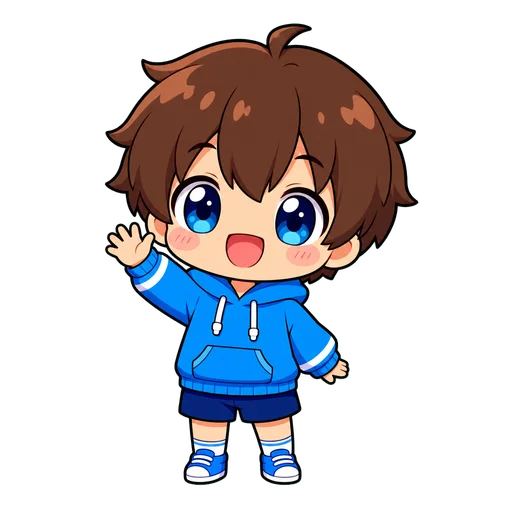
A fox drawn in the Chibi clip art style
  • Child drawn in the Chibi style
  • Plant drawn in the Chibi style
  • Cake drawn in the Chibi style

Chibi

Big-headed characters for fandom art, avatars, and cute merch.

Palette
bright anime colors
Line
clean even outline, slightly heavier on the silhouette
Shading
cel shading with one shadow tone and a simple blush accent
Start a pack in Chibi
A fox drawn in the Sticker clip art style
  • Child drawn in the Sticker style
  • Plant drawn in the Sticker style
  • Cake drawn in the Sticker style

Sticker

Die-cut sticker sheets, planner kits, and laptop packs.

Palette
vivid saturated fills
Line
thick dark outline, plus an even white die-cut border tracing the outer silhouette
Shading
flat fills with a single simple shadow step
Start a pack in Sticker
A fox drawn in the Mascot clip art style
  • Child drawn in the Mascot style
  • Plant drawn in the Mascot style
  • Cake drawn in the Mascot style

Mascot

One character you will reuse — logos, brand systems, and merch.

Palette
limited palette with one dominant color and small accents
Line
heavy even outline, thicker on the outer silhouette than on interior details
Shading
cel shading with one shadow tone and one highlight, no gradients
Start a pack in Mascot

Hand-made feel

Visible texture and imperfect edges. Stationery, invitations, and journal art.

A fox drawn in the Watercolor clip art style
  • Child drawn in the Watercolor style
  • Plant drawn in the Watercolor style
  • Cake drawn in the Watercolor style

Watercolor

Invitations, nursery art, and stationery with soft edges.

Palette
translucent washes, colors may layer but never leave the palette
Line
no hard outline — edges are defined by the wash itself, with occasional dry-brush breaks
Shading
layered transparent washes, paper white as the only highlight, never opaque white
Start a pack in Watercolor
A fox drawn in the Doodle clip art style
  • Child drawn in the Doodle style
  • Plant drawn in the Doodle style
  • Cake drawn in the Doodle style

Doodle

Loose hand-drawn marks for journals, notes, and casual branding.

Palette
ink line plus at most two flat accent fills
Line
slightly wobbly hand-drawn stroke of roughly even weight, small overshoots at the corners
Shading
no shading, or sparse hand hatching
Start a pack in Doodle
A fox drawn in the Storybook clip art style
  • Child drawn in the Storybook style
  • Plant drawn in the Storybook style
  • Cake drawn in the Storybook style

Storybook

Children's book interiors and warm narrative illustration.

Palette
warm harmonious colors, rich without being saturated
Line
soft painted edge with an optional light pencil contour, never a hard vector outline
Shading
soft directional light, gentle gradients, visible brush texture
Start a pack in Storybook
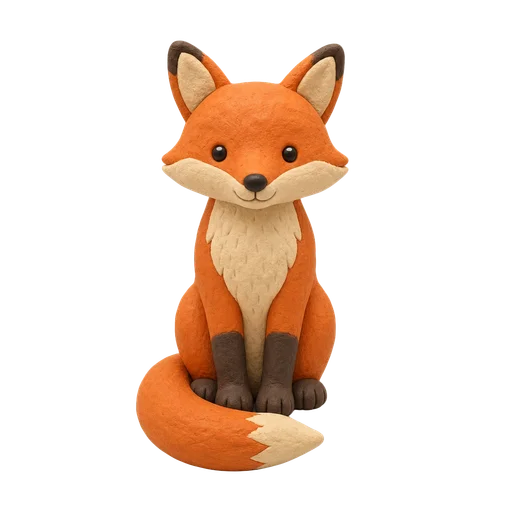
A fox drawn in the Clay clip art style
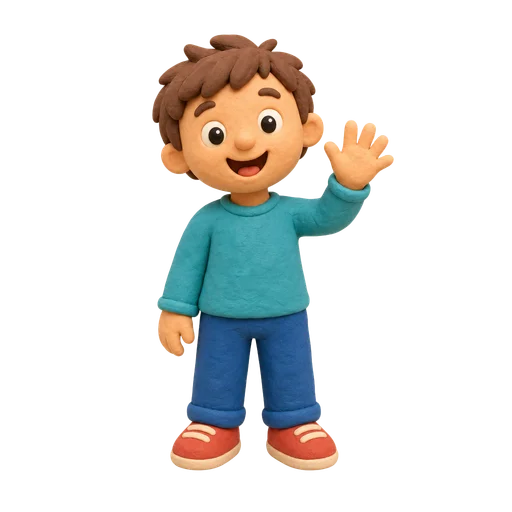
  • Child drawn in the Clay style
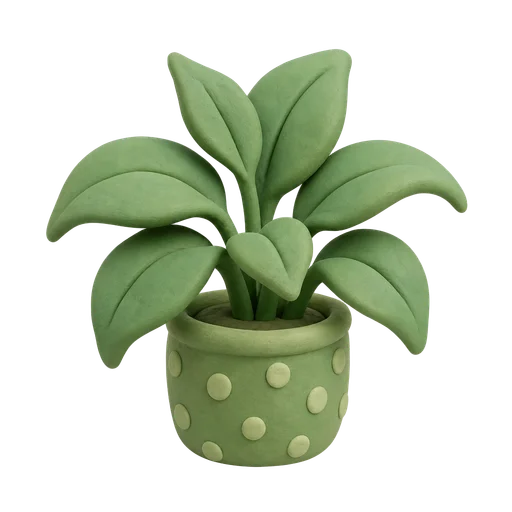
  • Plant drawn in the Clay style
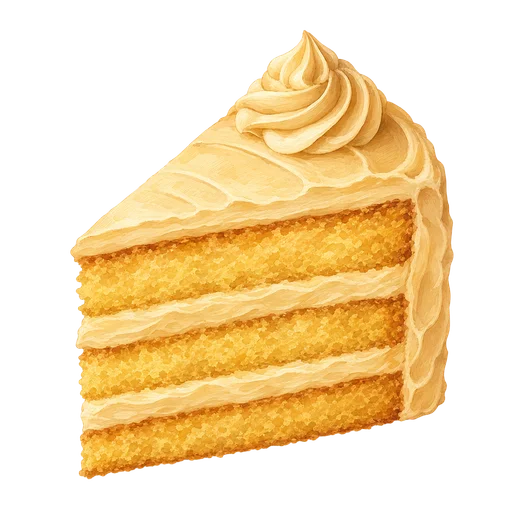
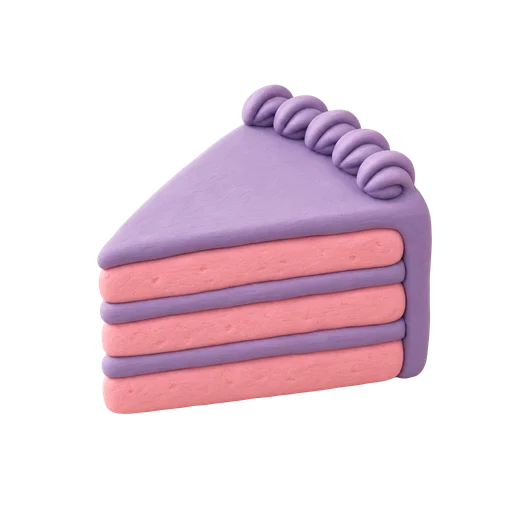
  • Cake drawn in the Clay style

Clay

Tactile, toy-like sets that feel handmade and three-dimensional.

Palette
matte fills, nothing glossy
Line
no outline — forms read by silhouette and shading alone
Shading
soft omnidirectional studio light, gentle ambient occlusion in the crevices, no specular hot spots
Start a pack in Clay

Retro & dimensional

Period looks and depth. Branding, packaging, and editorial illustration.

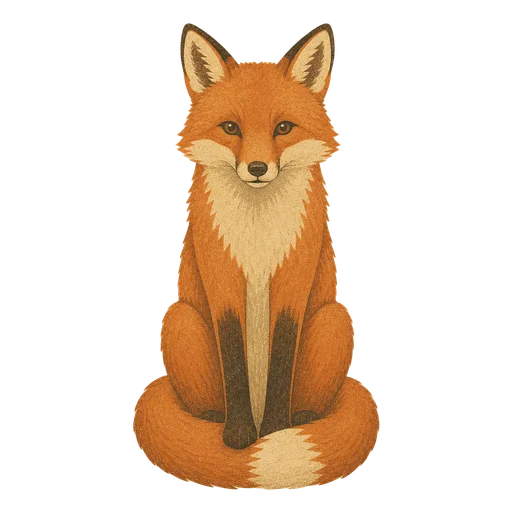
A fox drawn in the Vintage clip art style
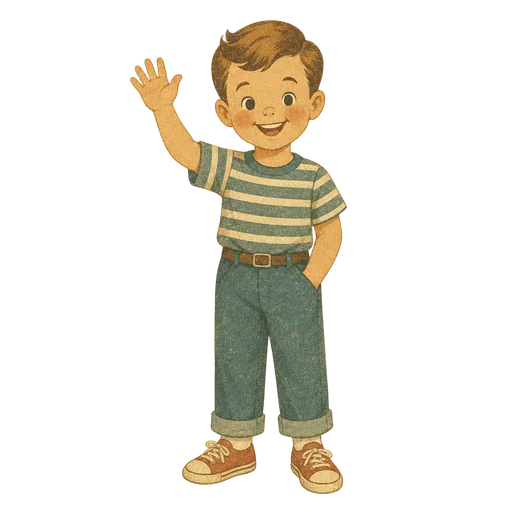
  • Child drawn in the Vintage style
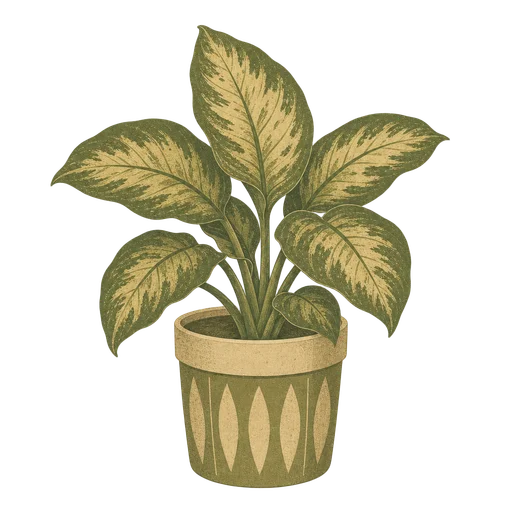
  • Plant drawn in the Vintage style
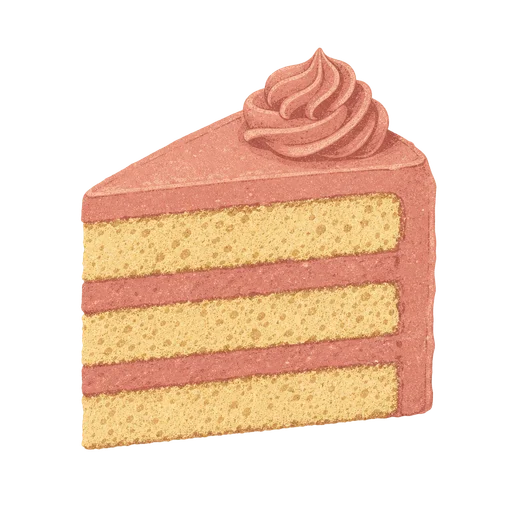
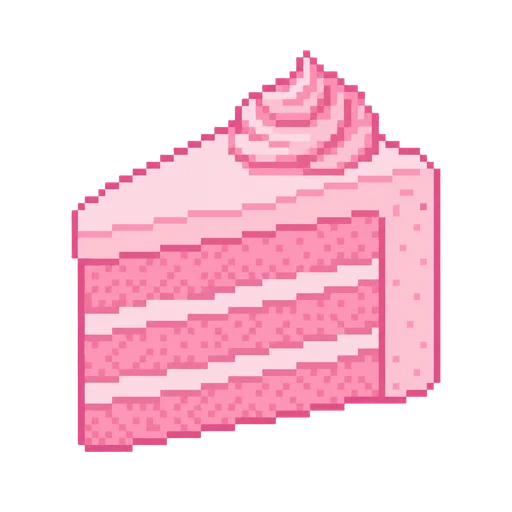
  • Cake drawn in the Vintage style

Vintage

Menus, labels, and packaging that want a period-print feeling.

Palette
muted desaturated colors, limited ink count
Line
slightly irregular hand-inked contour of even weight
Shading
halftone dots or subtle paper grain, no smooth gradients
Start a pack in Vintage
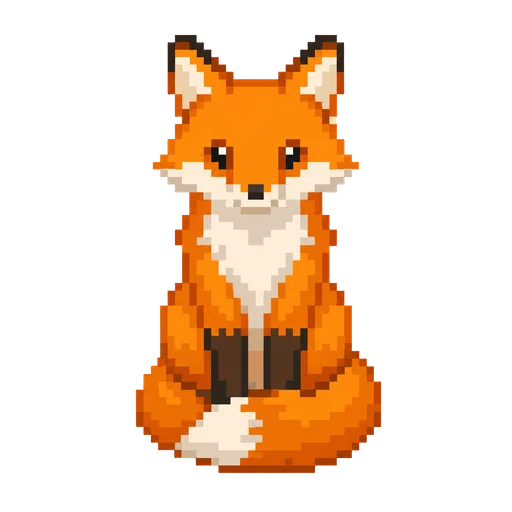
A fox drawn in the Pixel clip art style
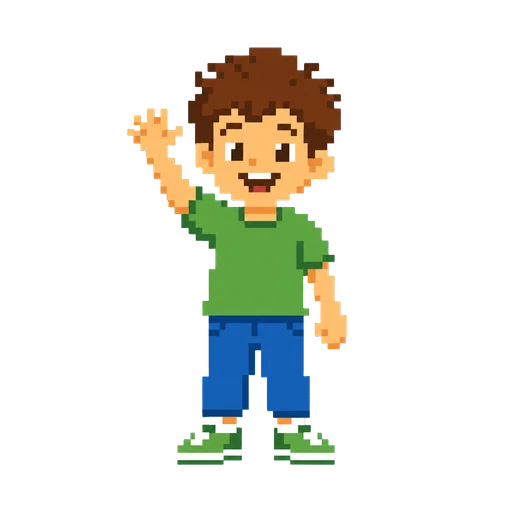
  • Child drawn in the Pixel style
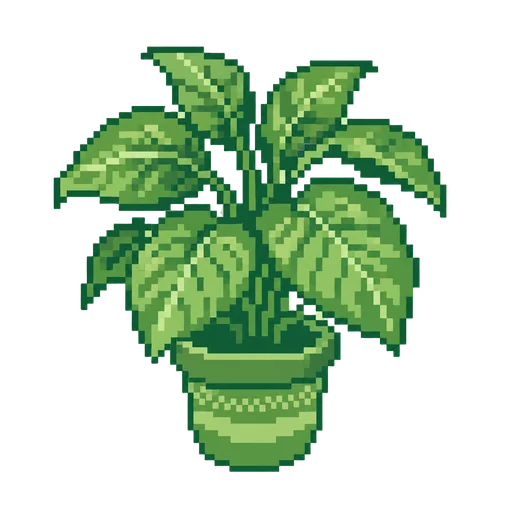
  • Plant drawn in the Pixel style
  • Cake drawn in the Pixel style

Pixel

Game sprites, retro UI, and anything wanting an 8-bit read.

Palette
at most 16 hard-quantized colors
Line
single-pixel outline, no anti-aliasing anywhere
Shading
manual dithering or hard color steps only, never blurred
Start a pack in Pixel
A fox drawn in the Isometric clip art style
  • Child drawn in the Isometric style
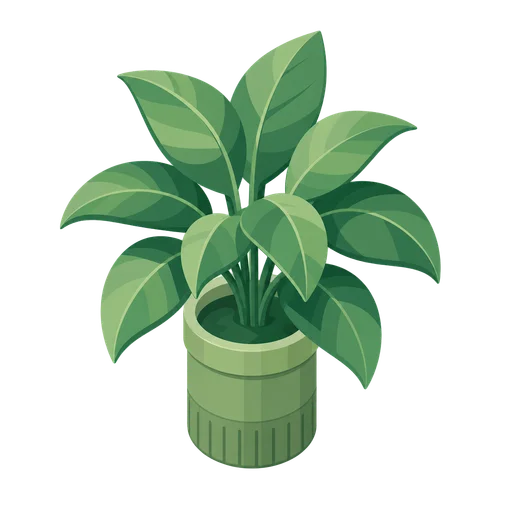
  • Plant drawn in the Isometric style
  • Cake drawn in the Isometric style

Isometric

Explainer diagrams, infographics, and scenes with structure.

Palette
three value steps per color, one for each visible face
Line
no outline, or one thin outline applied to every edge
Shading
each face a single flat tone — top lightest, left mid, right darkest — assigned identically across the whole set
Start a pack in Isometric
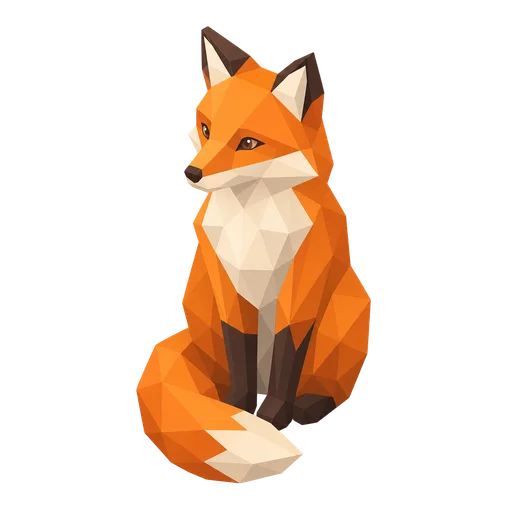
A fox drawn in the 3D clip art style
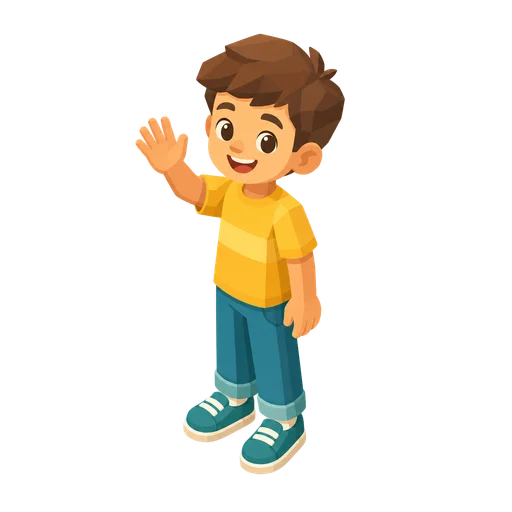
  • Child drawn in the 3D style
  • Plant drawn in the 3D style
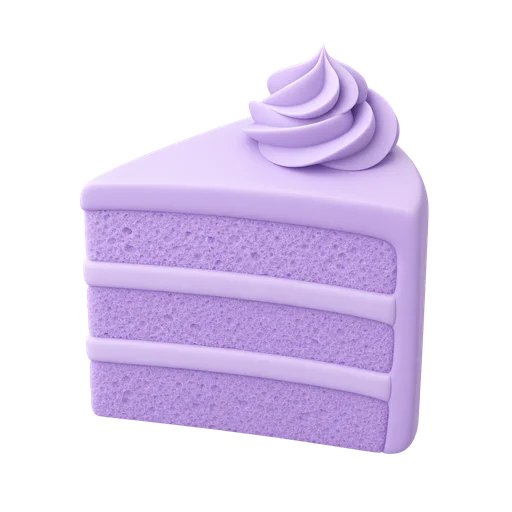
  • Cake drawn in the 3D style

3D

Rendered-looking icons and hero art with depth and highlights.

Palette
matte materials, no chrome or mirror finish
Line
no outline
Shading
soft three-point studio light with gentle ambient occlusion, no cast shadow on the ground
Start a pack in 3D

About clip art style presets

What is a clip art style preset?
A preset is a named art direction with a frozen contract behind it. Choosing one fixes five things for every piece in your pack — the palette rule, the line treatment, the shading treatment, how the subject is isolated, and how it is framed — so a 40-piece set looks like one set rather than 40 separate generations.
Why does every preset show the same six subjects?
Holding the subjects constant is the only way to compare styles honestly — if each preset showed something different you would be comparing subjects, not styles. Six rather than one because a single drawing shows you that drawing, not the rule the style follows. The set runs from a fox to a cottage on purpose: some styles are strong on fur and weak on hard geometry, and others are the reverse, so the spread shows you where a style breaks as well as where it shines. None of the subjects has a fixed colour, which leaves each preset free to assert its own palette.
Can I change the style after I start a pack?
Yes. The style is set when the pack is planned, and you can edit the brief and re-plan before anything renders. Once you accept your first render the pack's style kit takes an anchor image, and later pieces are matched to it.
Do presets cost anything to browse or choose?
No. Browsing presets and planning a pack are both free. Credits are spent only when you tell the board to render.

Pick a style, get a whole pack

Tell us the theme and we plan every piece against the preset you chose. Planning is free — you edit the list before anything renders.
Start a pack